
Core Features and Language Support in Azure App Service
When we talk about azure app service, we are talking about a “polyglot” platform. In developer-speak, that just means it speaks many languages. One of the biggest hurdles in traditional hosting is setting up the environment to match your code. If you’ve ever spent a weekend trying to configure a Linux server to run a specific version of Python or Java, you know the pain.
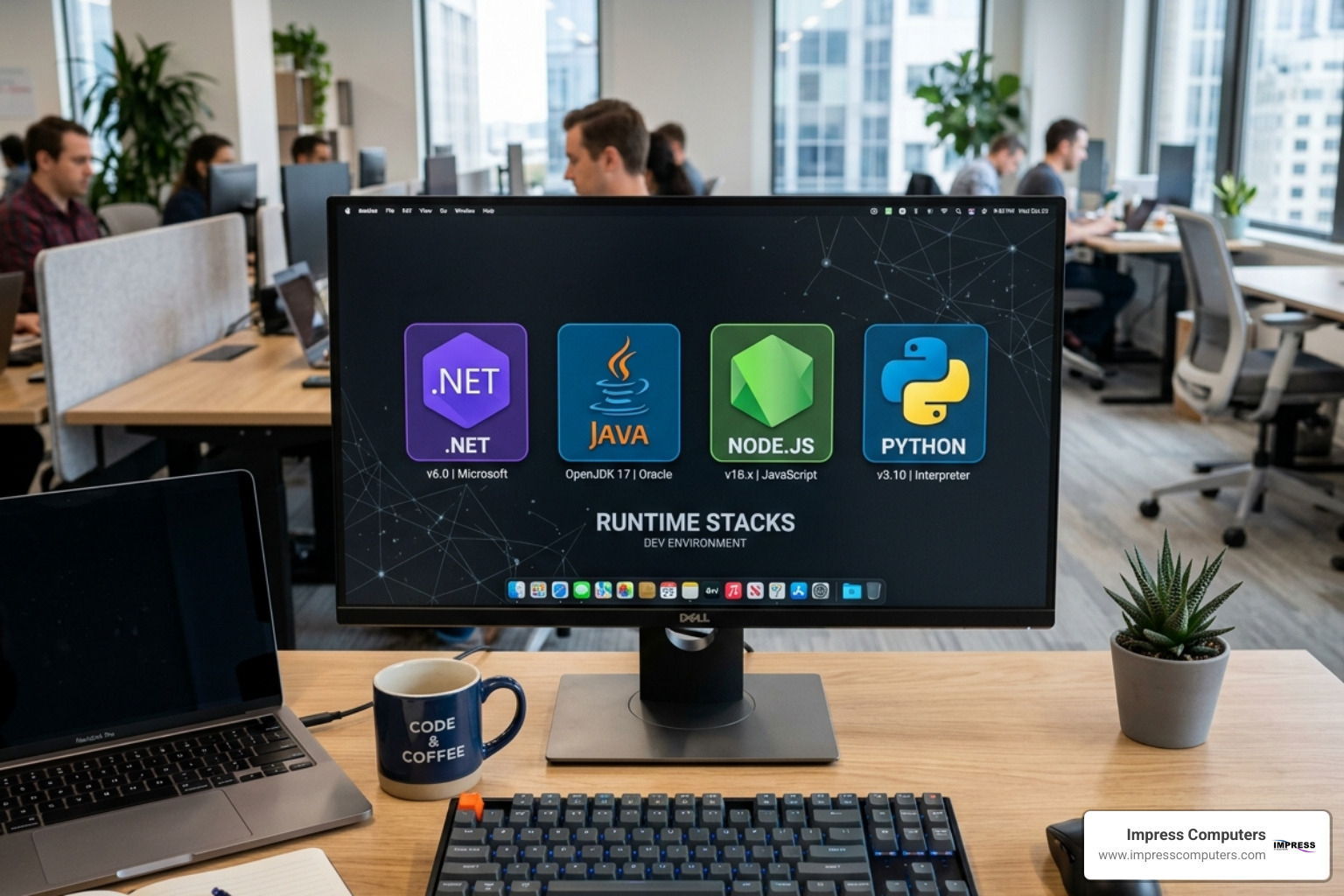
With azure app service, that environment is already built and managed for you. You simply choose your “stack” and deploy. According to the Azure App Service documentation, the platform provides first-class, native support for:
- .NET and .NET Core: The gold standard for Windows-based enterprise apps.
- Java: Whether you are running Spring Boot, Quarkus, or migrating legacy apps using Tomcat or JBoss EAP.
- Node.js: Perfect for high-performance JavaScript applications and APIs.
- Python: Ideal for data-driven web apps using Django or Flask.
- PHP: Still the engine behind much of the web, including WordPress and Laravel.
If your application requires a very specific or legacy configuration that isn’t covered by the native stacks, you aren’t out of luck. You can use custom containers. By “containerizing” your app (using Docker), you can package the exact OS and software requirements your app needs and run it on the Azure Application Services | Microsoft Azure infrastructure. This gives you the flexibility of a Virtual Machine with the ease of management that comes with a PaaS.
Seamless Deployment with the Azure App Service VS Code Extension
For the developers on your team, the “how” of deployment is just as important as the “what.” We often see teams struggling with complex FTP uploads or manual file transfers that lead to version errors. The Azure App Service extension for Visual Studio Code solves this brilliantly.
With over 3,084,008 installs, this extension is a favorite in the developer community. It allows your team to:
- Create resources: Provision a new web app directly from the code editor.
- Deploy instantly: Right-click your project folder and hit “Deploy to Web App.”
- Log Streaming: View real-time application logs inside VS Code to troubleshoot issues as they happen.
As noted in Provisioning Azure App Services to host your webapp, this workflow reduces the “friction” of getting code into the hands of users. Instead of waiting for a manual deployment window, your developers can push updates in minutes, which is vital for businesses in fast-moving sectors like Houston’s construction or manufacturing industries.
Integrating AI and Modern Frameworks in Azure App Service
We are currently in the midst of an AI revolution, and azure app service is built to be the foundation for these “intelligent” apps. Microsoft has integrated several tools to help you build AI-ready applications faster than ever.
- Azure OpenAI Integration: You can easily connect your web apps to powerful models like GPT-4. This allows you to build custom chatbots or internal tools that can summarize documents, generate reports, or provide expert-level customer support.
- RAG Architecture: By using Azure AI Search alongside App Service, you can build “Retrieval-Augmented Generation” apps. This means your AI doesn’t just guess answers; it looks through your company’s specific data (like manuals or legal docs) to provide accurate, grounded responses.
- Azure SRE Agent: This is a specialized AI troubleshooter. If your app starts acting up, the SRE Agent can analyze telemetry and suggest fixes, acting like a digital member of your IT team.
- CI/CD with GitHub Actions: Modern development relies on Continuous Integration and Continuous Deployment (CI/CD). Azure App Service integrates deeply with GitHub, meaning every time your developer “commits” code, it can be automatically tested and deployed to a staging environment.
Choosing the Right Pricing Tier and Scaling Strategy
One of the most common questions we get at Impress Computers is, “How much is this going to cost?” The beauty of the azure cloud is that you only pay for what you use, but you need to choose the right tier for your specific workload.
| Tier | Best For | Key Features |
|---|---|---|
| Free / Shared | Learning & Prototyping | Limited CPU/RAM, no SLA, shared infrastructure. |
| Basic | Small sites & Dev/Test | Dedicated compute, no auto-scaling, basic features. |
| Standard | Production workloads | Auto-scaling, daily backups, 5 slots for staging. |
| Premium (v3/v4) | High-traffic Enterprise | High-performance CPUs, large memory, enhanced scale. |
| Isolated (v2) | Mission-critical / Compliance | Dedicated VMs in a private VNet, total isolation. |
For a Houston business, the Standard tier is usually the starting point for production. It offers the 99.99% SLA and allows for “deployment slots.” This means you can upload a new version of your site to a “staging” slot, test it, and then swap it to “production” with zero downtime.
High Availability and Global Reach
If your business operates across Texas or globally, you need to know your app will be fast and available everywhere. Azure App Service is available in more than 60 regions and 190+ edge sites.
The platform’s 99.99% SLA isn’t just a number; it’s backed by Intelligent Auto-scaling. Instead of you having to guess how many servers you need, the platform monitors live traffic. If you get a sudden spike in users, it “scales out” by adding more instances of your app. When the traffic dies down, it “scales in” to save you money. For businesses in the banking or legal sectors where service interruptions are unacceptable, this level of resilience is a game-changer.
Connecting to Managed Databases
A web app is only as good as the data it can access. Azure App Service makes it incredibly easy to connect to managed databases like Azure SQL, Cosmos DB, MongoDB, or PostgreSQL.
We always recommend using Managed Identities for these connections. This is a security feature that allows your App Service to talk to your database without you having to store passwords or “connection strings” in your code. It’s a “passwordless” approach that significantly reduces the risk of a data breach.
Enterprise-Grade Security and Networking
Security is the top priority for our clients in Richmond, Katy, and Houston. Microsoft invests heavily in this area, with 34,000 full-time engineers dedicated to security and over $20 billion invested over five years.
When you host on azure app service, you inherit a massive portfolio of over 100 compliance certifications, including SOC, ISO, and PCI-DSS. This is especially important for our CPA and banking clients who must meet strict regulatory standards.
As we discuss in our article on when moving to Azure cloud makes sense for Houston businesses, the platform provides:
- VNet Integration: This allows your web app to “talk” to other resources (like a private database) over a secure, private network that isn’t exposed to the public internet.
- Custom Domains & SSL: You can easily bring your own domain (e.g., www.yourbusiness.com) and secure it with SSL/TLS certificates provided by Azure or your own provider.
- Zero Trust Architecture: Built-in authentication (Easy Auth) allows you to require users to sign in via Microsoft Entra ID (formerly Azure AD) or social providers before they can even see your app.
App Service Environments (ASE) for Total Isolation
For our largest enterprise clients or those with extreme security requirements, there is the App Service Environment (ASE). This is a “single-tenant” version of the service.
While the standard App Service runs on high-security shared hardware, an ASE runs on hardware dedicated only to your company. It sits inside your own Virtual Network, providing complete network isolation. This is the choice for mission-critical applications that require high-scale, private networking and deep customization of the hosting environment.
Frequently Asked Questions about Azure App Service
What is the difference between App Service and Azure Functions?
Think of azure app service as a “house” where your application lives 24/7. It’s best for web apps and APIs that need to stay “warm” and ready for users. Azure Functions is “serverless” — it’s like a light switch that only turns on when a specific event happens (like a file being uploaded). Functions are great for background tasks, while App Service is better for the user-facing interface.
How do I migrate my on-premises ASP.NET apps to Azure?
Migration is often easier than people think. Microsoft provides an App Service Migration Assistant that scans your local IIS web server and tells you if your app is ready for the cloud. Most modern ASP.NET apps can be moved with minimal changes, often resulting in up to 546% savings over on-premises deployment costs.
Are there cost-saving options for dev/test workloads?
Absolutely. Beyond the Free tier, Microsoft offers the Azure Hybrid Benefit, which can save you up to 55% on licensing if you already own Windows or SQL Server licenses. There are also specific “Dev/Test” pricing plans for Visual Studio subscribers that offer significantly lower rates for non-production environments.
Conclusion
The numbers tell a compelling story: businesses that move to azure app service see a 228% return on investment over three years, with a payback period of just 15 months. By removing the “infrastructure tax”—the time and money spent on patching servers and managing hardware—your business can focus entirely on growth and innovation.
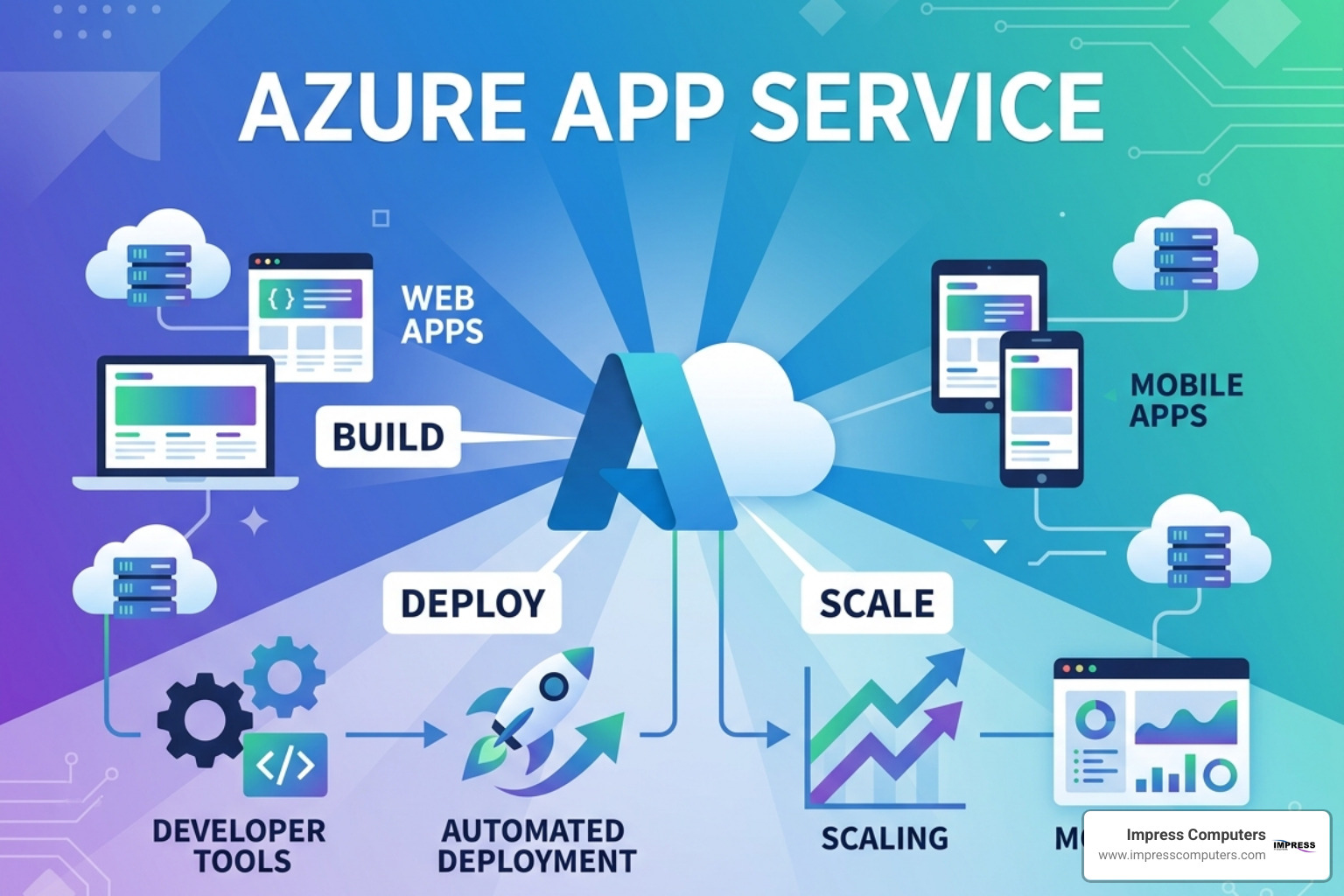
At Impress Computers, we specialize in helping businesses across Houston, Katy, and Sugar Land navigate these cloud transitions. Whether you are a small business looking to launch your first web app or a large enterprise modernizing a suite of legacy tools, we provide the local, expert support you need to succeed.
If you’re ready to stop managing servers and start scaling your business, we can help you implement a secure, high-performance Azure strategy. Learn more about how we support local growth in our guide on Leveraging Azure and IT Managed Services for Business Growth in Houston.
