
The Hidden Risks of Traditional Email Attachments
When we think about sending a file, our muscle memory usually leads us straight to the paperclip icon. However, the traditional email attachment is one of the most significant vulnerabilities in modern business. The primary issue is that standard emails are essentially digital postcards. They are written in plain text, meaning that as they hop from server to server across the open internet, any intermediary with the right tools can intercept and read the contents.
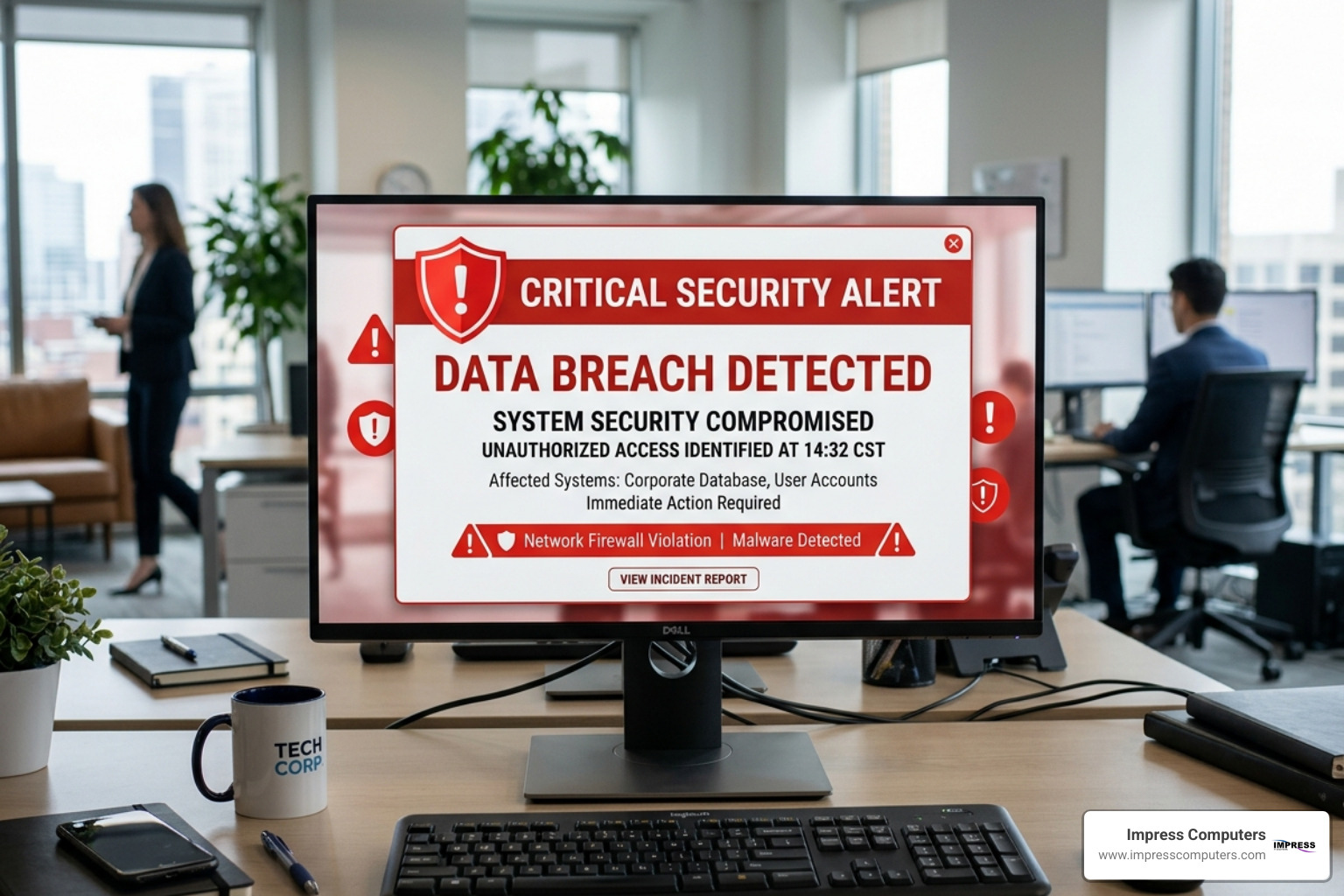
The risks are not just theoretical; they are statistical certainties for many. With 60% of companies reporting a recent data breach, the “it won’t happen to me” mentality is a dangerous gamble. Beyond malicious hackers, the biggest threat is often sitting in the office chair. Human error and insecure sharing account for 60–68% of data exposure incidents. Whether it’s clicking “Send” too quickly and reaching the wrong “John Smith” or attaching a spreadsheet full of Social Security numbers to an unencrypted thread, the damage is the same.
Furthermore, traditional email has physical limitations. Most providers enforce 25MB limits on attachments. To bypass this, employees often turn to “shadow IT”—using personal, unapproved cloud storage or free file-transfer sites that haven’t been vetted by your IT department. These unsecured servers often lack the audit trails and “wipe” capabilities needed for business-grade security. When you email files securely, you aren’t just protecting the data; you’re protecting your company’s reputation and legal standing.
Essential Features to Email Files Securely
If you want to move beyond the “digital postcard” era of communication, you need a solution that treats your data like a high-security armored vault. A robust platform to email files securely should offer more than just a locked door; it needs a full security ecosystem.
- Encryption at Rest and in Transit: Your files should be scrambled while moving across the web and while sitting on the server.
- Expiration Dates: 90% of external shares remain accessible long after their intended use. Setting a file to “self-destruct” after 24 hours or seven days drastically reduces your attack surface.
- Access Controls and Multi-Factor Authentication (MFA): Just having the link shouldn’t be enough. Requiring the recipient to enter a code sent to their mobile phone ensures that even if an email is intercepted, the file remains locked.
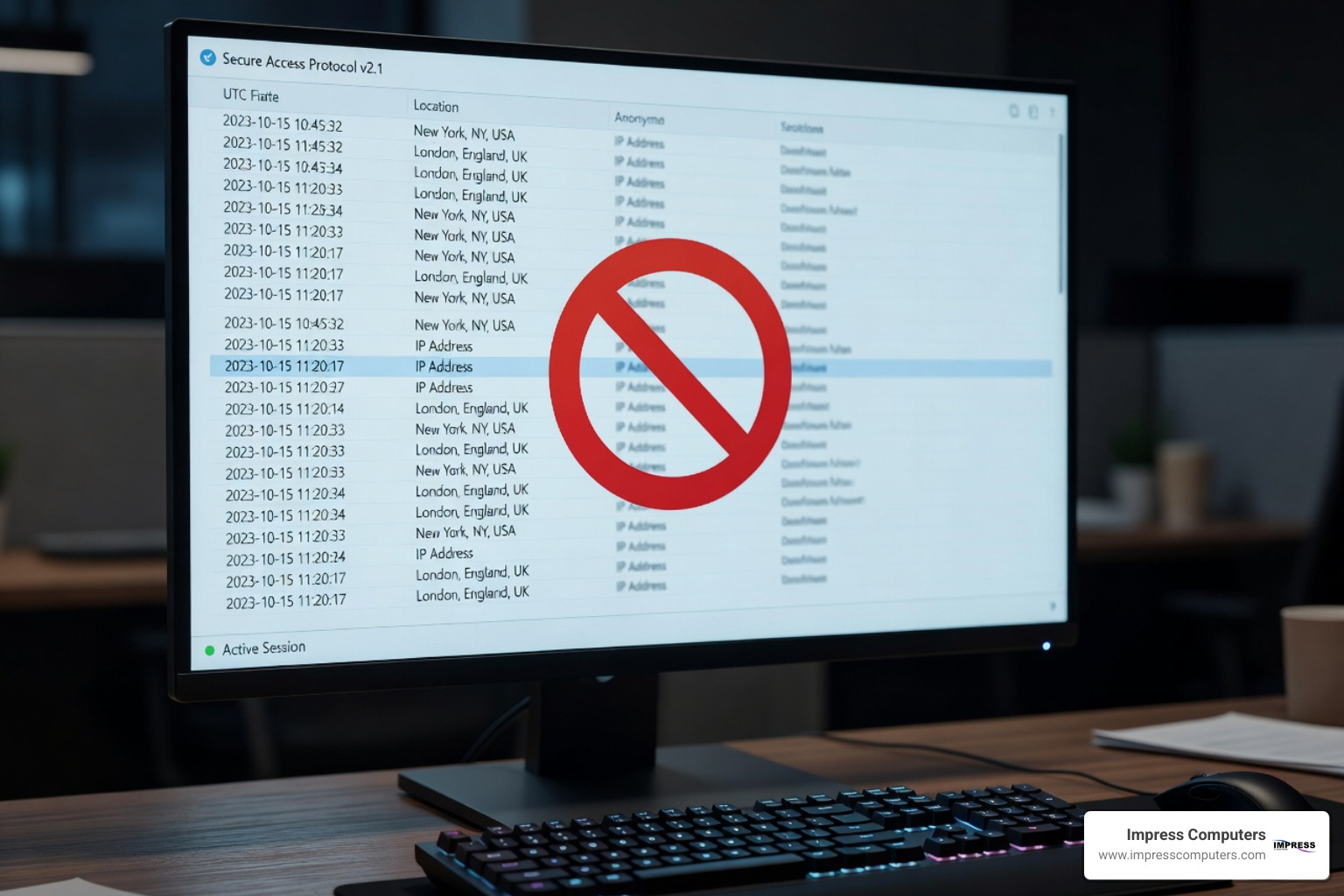
- Audit Trails: You should know exactly when a file was opened, who opened it, and from what IP address. This is critical for industries like legal and finance in Houston.
- Revocation: If you realize you sent the wrong version of a contract, you should be able to “pull it back” instantly, even after the email has landed in the recipient’s inbox.

Comparison: Standard Email vs. Secure Transfer Platforms
| Feature | Standard Email | Secure Transfer Platform |
|---|---|---|
| Encryption | Often none (Plain Text) | AES-256 / End-to-End |
| Access Control | Anyone with the email | MFA / Password Required |
| File Size | Usually capped at 25MB | Up to 5TB or Unlimited |
| Visibility | None after sending | Full Audit Logs |
| Recall | Rarely works | Instant Revocation |
How to Email Files Securely Using Password Protection
One of the simplest ways to add a layer of defense is through password protection, but not all passwords are created equal. To truly email files securely, you should avoid sending the password in the same email as the link. This is a common mistake that defeats the entire purpose of the lock.
Instead, use shared secrets—something only you and the recipient know—or SMS verification. Some advanced platforms use Knowledge-Based Authentication (KBA), which asks the recipient a question based on public records or private data to verify their identity. By setting tight access windows, you ensure the file is only available during the specific timeframe needed for the transaction, leaving no “forgotten” data sitting in an inbox for months.
Choosing a Service to Email Files Securely Based on Size
Size matters in data. If you are a Houston-based engineering firm sending CAD drawings or a legal team sharing thousands of discovery documents, a 25MB limit is a joke. High-end services allow for 5TB transfers or more.
Instead of traditional attachments, these services provide cloud links. The file stays in a secure environment, and the recipient is merely given a “key” to view or download it. Some businesses even set up secure subdomains (e.g., files.yourcompany.com) where clients can securely upload large files directly to you, bypassing the limitations and risks of email entirely.
Understanding Encryption: E2EE vs. Zero-Knowledge
Encryption is the backbone of how we email files securely, but the terminology can be confusing. Let’s break down the two gold standards:
- End-to-End Encryption (E2EE): This means the data is encrypted on the sender’s device and only decrypted on the recipient’s device. No one in the middle—not even the internet service provider or the email host—can see the content.
- Zero-Knowledge Architecture: This is the pinnacle of privacy. It means the service provider storing your files has “zero knowledge” of your encryption keys. If a government agency or a hacker were to seize the server, all they would find is gibberish because the provider literally does not have the key to unlock your data.
Most professional systems use AES-256 (the same standard used by the U.S. government) for data at rest and OpenPGP or TLS for data in transit. This multi-layered approach ensures that even if one layer is compromised, the data remains unreadable.
The Role of Digital Rights Management (DRM)
Sometimes, simply sending a file isn’t enough; you need to control what happens to it after it’s opened. This is where Digital Rights Management comes in. DRM allows you to send tamper-evident documents that prove they haven’t been altered.
For highly sensitive Houston business deals, you can apply printing restrictions, view-only access, or even document watermarking that includes the recipient’s email address. This creates non-repudiation, meaning the recipient cannot claim they didn’t receive the file or that they weren’t the one who leaked it.
Best Practices for Secure File Transfer and Management
To email files securely consistently, you need a process, not just a tool. We recommend following a Data Classification policy, similar to the one used by major institutions like Princeton. Before you hit send, ask: Is this Public, Restricted, or Confidential?
- Restricted/Confidential Data: Must never be sent via standard attachment. It requires E2EE and MFA.
- Automatic Deletion: Set your secure links to expire and delete the source file from the transfer cloud after 30 days.
- Hiding Sender Email: Some tools allow you to hide the sender’s actual email address during the transfer to prevent phishing attempts.
Preventing Data Breaches Through Organizational Policy
Tools are only as good as the people using them. We help Houston businesses implement Data Loss Prevention (DLP) tools that use machine learning to scan outgoing emails in real-time. If an employee tries to send a file containing a credit card number or a “Confidential” label without encryption, the system can automatically block the send or force a secure transfer. Secure labeling and ongoing employee training are the two best investments you can make to ensure your team knows how to email files securely.
Industry-Specific Compliance and Security Standards
Depending on your field, failing to email files securely isn’t just a bad practice—it’s illegal. Houston businesses in the healthcare, legal, and financial sectors must navigate a complex web of regulations:
- HIPAA: Requires strict access controls and encryption for Protected Health Information (PHI).
- GDPR/CCPA: Mandates the protection of personal privacy and the right to be forgotten.
- SOC 2 & ISO 27001: These are gold-standard certifications for service providers, ensuring they manage data with the highest level of security.
- SSAE 16: A standard for data centers (like the ones we use) to ensure physical and logical security.
For organizations looking to bolster their internal knowledge, More info about secure Yale cybersecurity provides excellent frameworks for institutional data protection that can be adapted for private business.
Frequently Asked Questions about Secure Emailing
Why is standard email considered insecure for sensitive files?
Standard email was designed for convenience, not security. It travels in plain text, meaning it can be intercepted by hackers, government agencies, or even rogue employees at email service providers. Furthermore, once an attachment is sent, you lose all control over it—you can’t delete it, see who copied it, or prevent it from being forwarded.
What is the difference between encryption in transit and at rest?
Encryption in transit protects your file while it is moving from your computer to the recipient’s server (like an armored truck moving money). Encryption at rest protects the file while it is sitting on a hard drive or server (like a bank vault). To email files securely, you absolutely need both.
How can I revoke access to a file after it has been sent?
If you use a secure file-sharing service rather than a traditional attachment, the file doesn’t actually live in the recipient’s inbox—it lives on a secure server. By “revoking access” in your dashboard, you effectively change the lock on the vault. The next time the recipient clicks the link in their email, they will see an “Access Denied” message.
Conclusion
In today’s digital landscape, the “paperclip” method of sending files is a relic of the past that carries immense risk. Whether you are a CPA in Sugar Land, a law firm in downtown Houston, or a construction company in Katy, learning how to email files securely is vital to your survival.
At Impress Computers, we specialize in taking the stress out of cybersecurity. We provide managed IT services with a 15-minute response guarantee and 99.9% uptime, ensuring that your Houston business has the tools and support needed to share data without fear. Don’t leave your sensitive information to chance. Explore our Secure File Sharing Solutions today and let us help you build a fortress around your business data.
