
Is Your Construction Company’s Technology Helping You Grow—or Holding You Back?
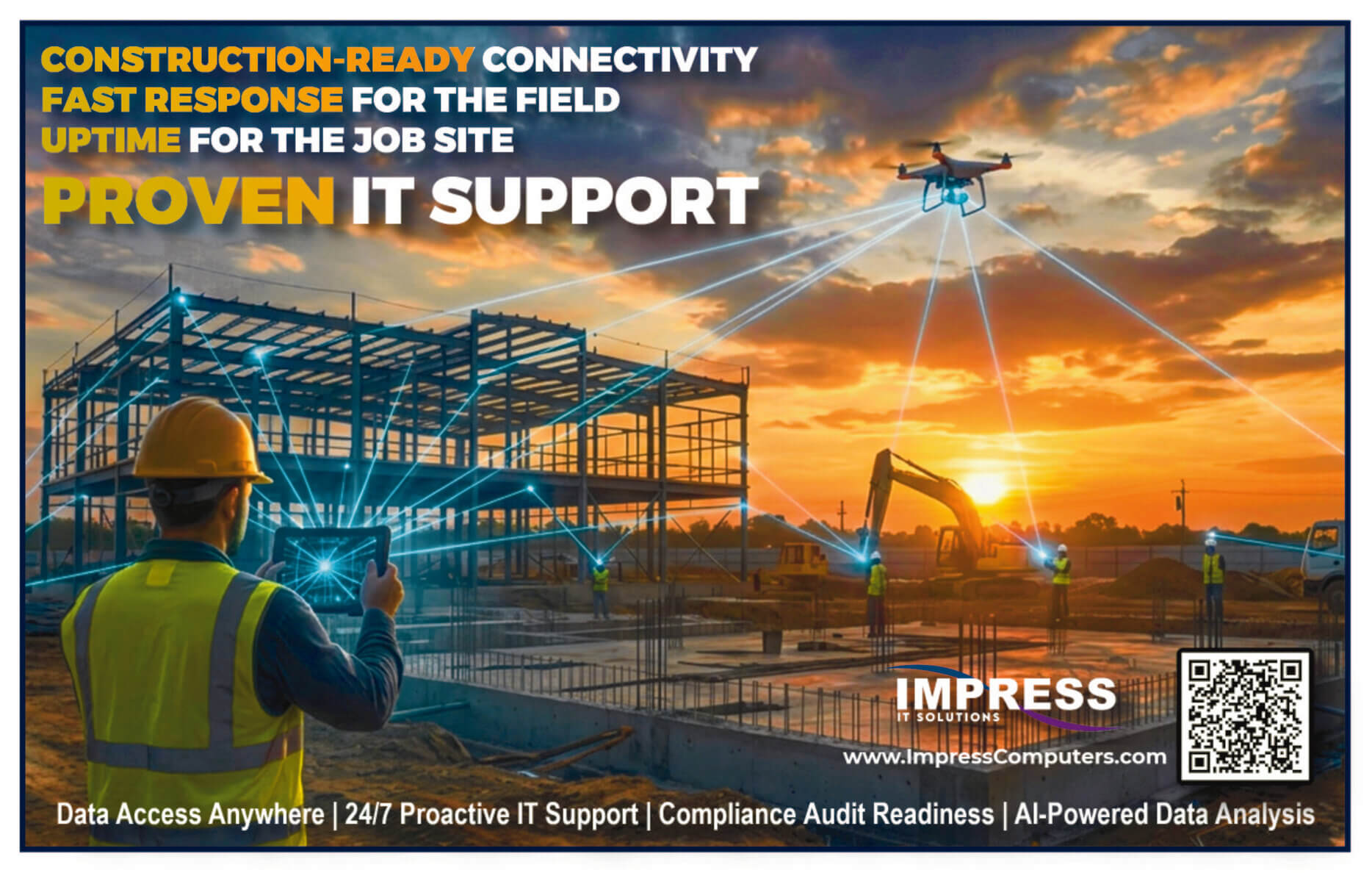
Technology has become as essential to modern construction as heavy equipment and skilled labor. Project managers rely on cloud platforms to coordinate teams, superintendents access plans from tablets in the field, estimators collaborate through Microsoft 365, and executives expect real-time visibility into every project.
Yet many construction companies continue operating with outdated hardware, inconsistent cybersecurity, undocumented networks, and reactive IT support.
For construction companies with 50–150 employees, a comprehensive IT strategy isn’t just about keeping computers running—it’s about protecting project data, reducing downtime, supporting field operations, and creating a competitive advantage.
Use this checklist to evaluate your technology environment and identify opportunities to improve security, productivity, and reliability.
How to Use This Checklist
Don’t think of this as a pass-or-fail test.
Instead, use it to identify gaps in your current environment.
Score yourself:
🟢 Complete – Fully implemented and documented
🟡 Needs Improvement – Partially implemented
🔴 Missing – Not currently in place
Your goal isn’t perfection—it’s continuous improvement.
Section 1: Network Infrastructure
Your network is the foundation of every business application you use.
If your network isn’t reliable, neither are Procore, Microsoft 365, VoIP phones, cloud backups, or remote workers.
Internet Connectivity
□ Business-class internet
□ Backup internet connection
□ Automatic failover
□ Documented ISP contacts
□ Network monitoring
Firewall
□ Business-grade firewall
□ Active security licensing
□ Firmware updated
□ VPN configured
□ Remote access secured
□ Configuration backed up
Wireless Network
□ Secure employee Wi-Fi
□ Guest Wi-Fi separated
□ WPA3 encryption
□ Coverage tested
□ Construction trailer wireless documented
Network Documentation
□ Network diagrams
□ IP address documentation
□ Password vault
□ Equipment inventory
□ ISP information
□ Vendor contacts
Section 2: Cybersecurity Checklist
Cybersecurity is no longer optional.
Construction companies are increasingly targeted by ransomware because they manage contracts, payment information, engineering drawings, and financial data.
Identity Security
□ Multi-Factor Authentication enabled
□ Password manager deployed
□ Administrative accounts separated
□ Legacy authentication disabled
□ Conditional Access configured
Endpoint Security
□ Endpoint Detection & Response (EDR)
□ Managed Detection & Response (MDR)
□ Antivirus
□ Device encryption
□ Automatic updates
□ USB controls
Email Protection
□ Anti-phishing
□ Safe Links
□ Safe Attachments
□ Email encryption
□ Spam filtering
□ DMARC configured
Employee Training
□ Security awareness training
□ Quarterly phishing simulations
□ Acceptable Use Policy
□ Incident reporting process
Employees remain one of the most important parts of any cybersecurity strategy.
Section 3: Microsoft 365
Microsoft 365 is the communication hub for many construction companies.
It deserves its own checklist.
Exchange Online
□ MFA enabled
□ Mailbox auditing
□ Shared mailbox review
□ Forwarding rules reviewed
Teams
□ Guest access controlled
□ Teams lifecycle managed
□ External sharing policies
□ Retention configured
SharePoint
□ Permission review
□ Version history
□ Sharing restrictions
□ Site ownership documented
OneDrive
□ Backup strategy
□ Retention policies
□ External sharing
□ Sync health
Section 4: Construction Software
Every contractor depends on specialized applications.
Review each system individually.
Procore
□ MFA
□ User permissions
□ Admin accounts reviewed
□ Integrations documented
□ Data backup strategy
Autodesk Construction Cloud
□ User access
□ Security review
□ Project permissions
Bluebeam
□ Licensing reviewed
□ User accounts updated
ERP Software
Examples:
- Sage
- Viewpoint
- Foundation
- CMiC
Checklist
□ Backups
□ User permissions
□ Vendor support
□ Disaster recovery documented
Section 5: Field Technology
Construction doesn’t happen behind a desk.
Technology in the field deserves equal attention.
Mobile Devices
□ Company-owned devices enrolled
□ Mobile Device Management
□ Remote wipe enabled
□ Device encryption
□ GPS tracking where appropriate
Jobsites
□ Secure Wi-Fi
□ Internet redundancy
□ Printer support
□ Camera systems
□ Network documentation
Tablets
□ Updated
□ Protected
□ Asset tagged
□ Managed remotely
Section 6: Backup & Disaster Recovery
Backups should be tested—not assumed.
Checklist
□ Microsoft 365 backed up
□ Servers backed up
□ Cloud backups verified
□ Immutable storage
□ Disaster recovery plan documented
□ Quarterly recovery testing
□ Recovery objectives documented
Section 7: Compliance
Many construction companies now receive cybersecurity questionnaires from customers and insurance providers.
Review your readiness.
□ NIST Cybersecurity Framework
□ Cyber insurance requirements
□ Vendor risk assessments
□ Written policies
□ Annual risk assessment
□ Incident response plan
□ Business continuity plan
□ Employee handbook updated
Section 8: IT Operations
Reliable IT isn’t just about technology.
It’s about repeatable processes.
Help Desk
□ SLA documented
□ Ticket reporting
□ Escalation process
□ Emergency contacts
Strategic Planning
□ Annual IT budget
□ Hardware lifecycle
□ Quarterly business reviews
□ Technology roadmap
□ Cloud strategy
□ AI strategy
IT Health Scorecard
| Category | Score (0–10) |
|---|---|
| Network | ____ |
| Cybersecurity | ____ |
| Microsoft 365 | ____ |
| Construction Software | ____ |
| Backups | ____ |
| Compliance | ____ |
| IT Operations | ____ |
Overall Score
60–70: Excellent
45–59: Good, but improvements recommended
30–44: Significant gaps exist
Below 30: High operational and cybersecurity risk
Common Gaps We Find During Construction IT Assessments
After working with construction companies, these are the issues we encounter most frequently:
- Multi-Factor Authentication not enabled for every account
- No backup of Microsoft 365 data
- Shared administrator accounts
- Aging firewalls beyond vendor support
- No documented disaster recovery plan
- Inconsistent Wi-Fi coverage at jobsites
- Outdated laptops used by field personnel
- Cyber insurance requirements not fully met
- No formal hardware replacement plan
- Technology decisions made reactively instead of strategically
Many of these issues can be addressed proactively before they result in downtime, security incidents, or failed compliance reviews.
Ready to Evaluate Your Environment?
If you’re unsure how your organization would score, a structured assessment is the best place to start.
Impress Computers can help you:
- Evaluate your existing technology environment
- Identify cybersecurity and compliance gaps
- Review Microsoft 365 and construction software security
- Assess field technology and jobsite connectivity
- Build a practical technology roadmap aligned with your business goals
Whether you’re planning for growth, preparing for a cyber insurance renewal, or simply want confidence that your IT environment supports your projects, a comprehensive assessment provides a clear picture of where you stand—and where you can improve.
